
New feature: Set custom sales tax rates at the event level
/

If you organise events in multiple locations you might run into different tax requirements. We are excited to announce that your life just got easier with our new feature. With Ticket Tailor you can now set custom sales tax rates on any of your events. To use this feature just follow the steps below:
Login
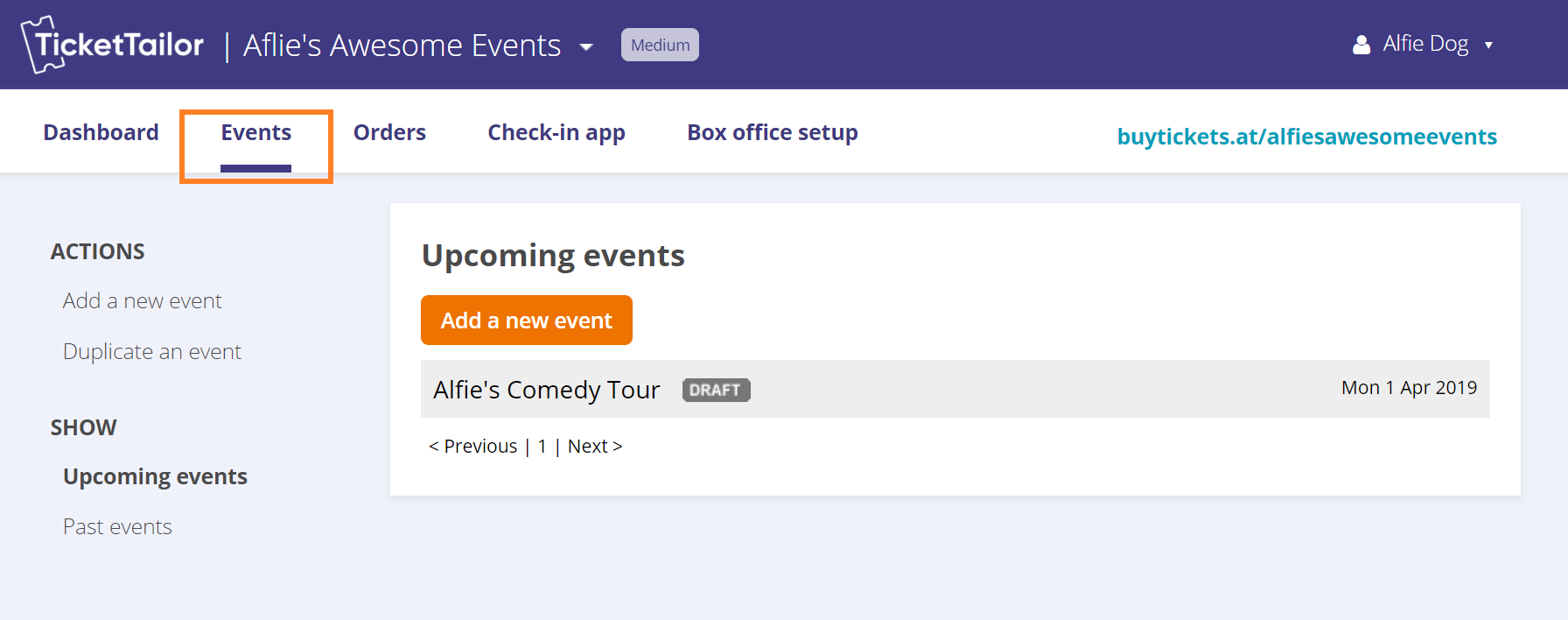
Go to your Events page
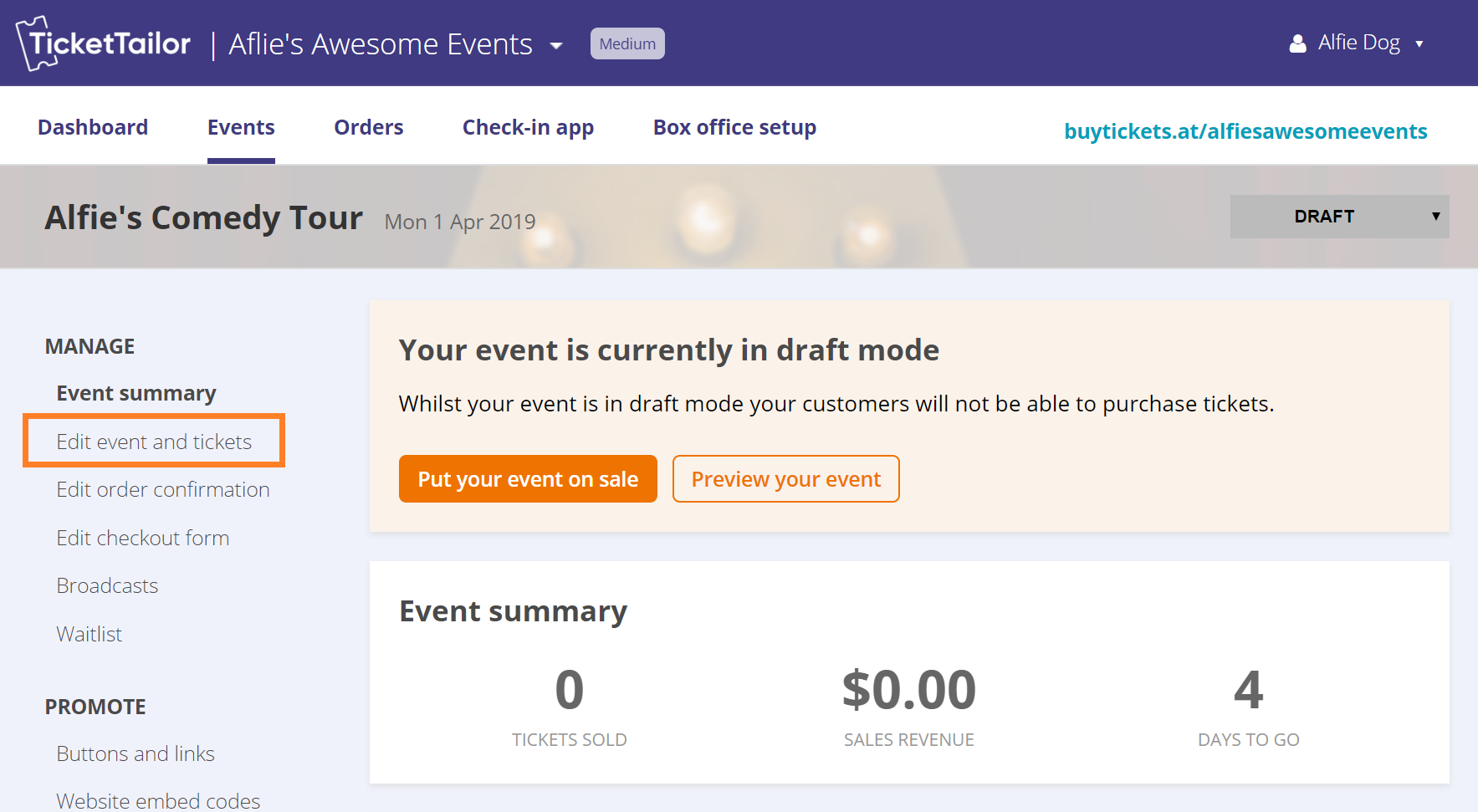
Select the event that you would like to change the tax to be collected
Click Edit event and tickets
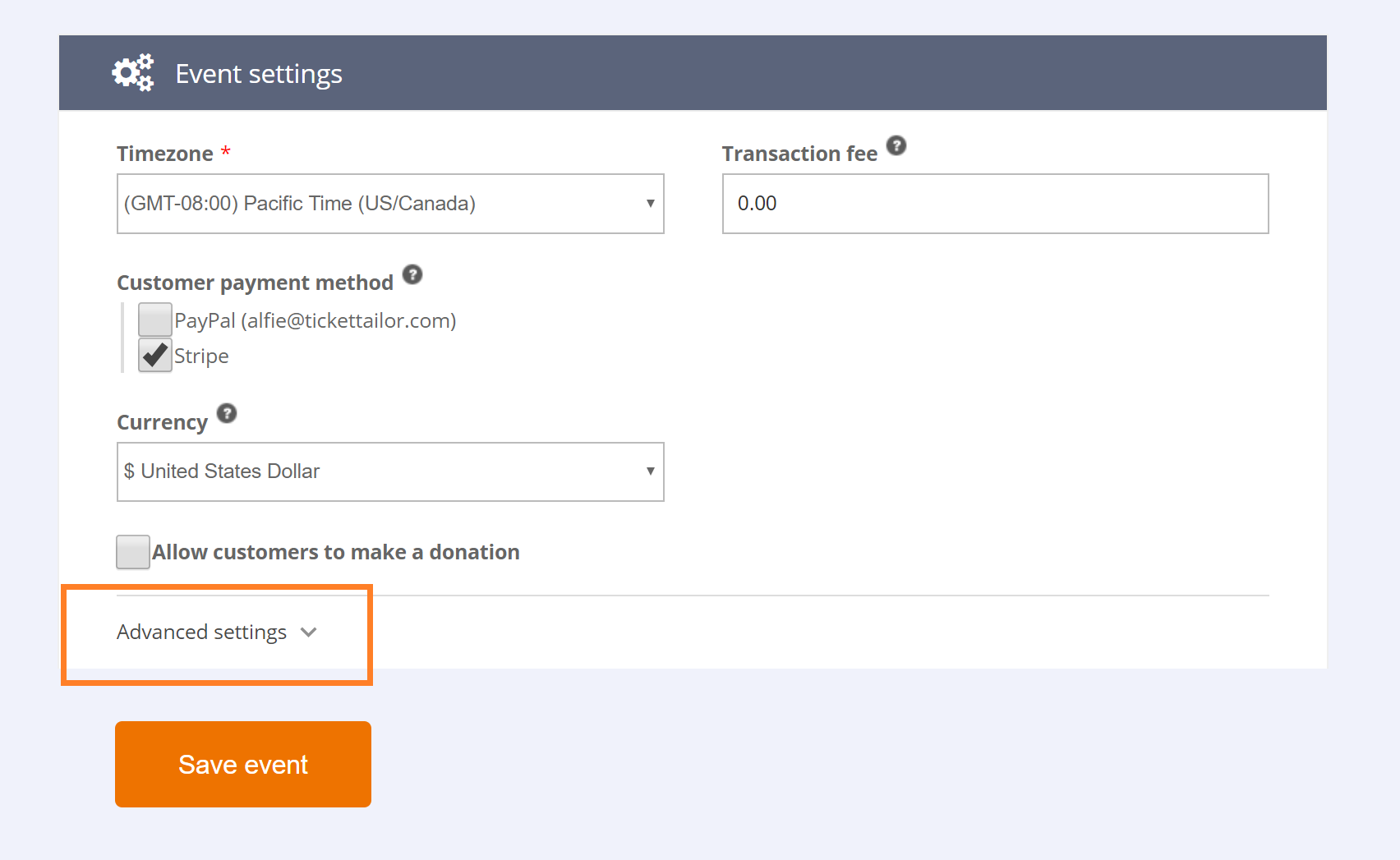
Scroll down and click to expand Advanced settings
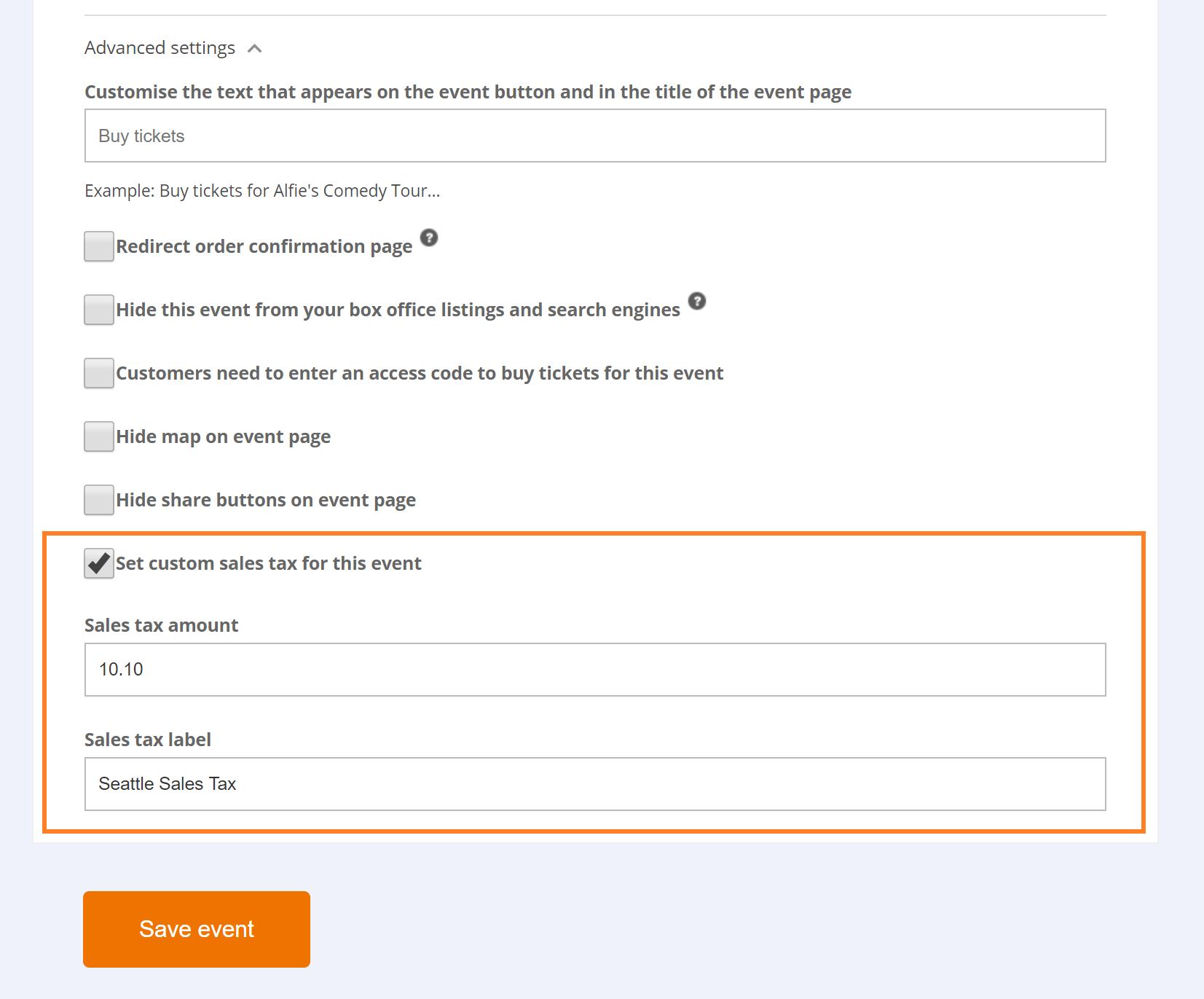
Check the box for Set custom sales tax for this event
Enter the tax percentage and the name of the tax
Click Save Event




If you get stuck or need help setting this up, just send us an email.

